Remember every plant
Watering, feeding and other care in one schedule. Reminders, quiet hours and vacation mode fit around your life.
A little closer to nature
Meet My Bloomy. A plant journal that remembers every watering, new leaf and little win.
Made for iPhone · In English and Russian
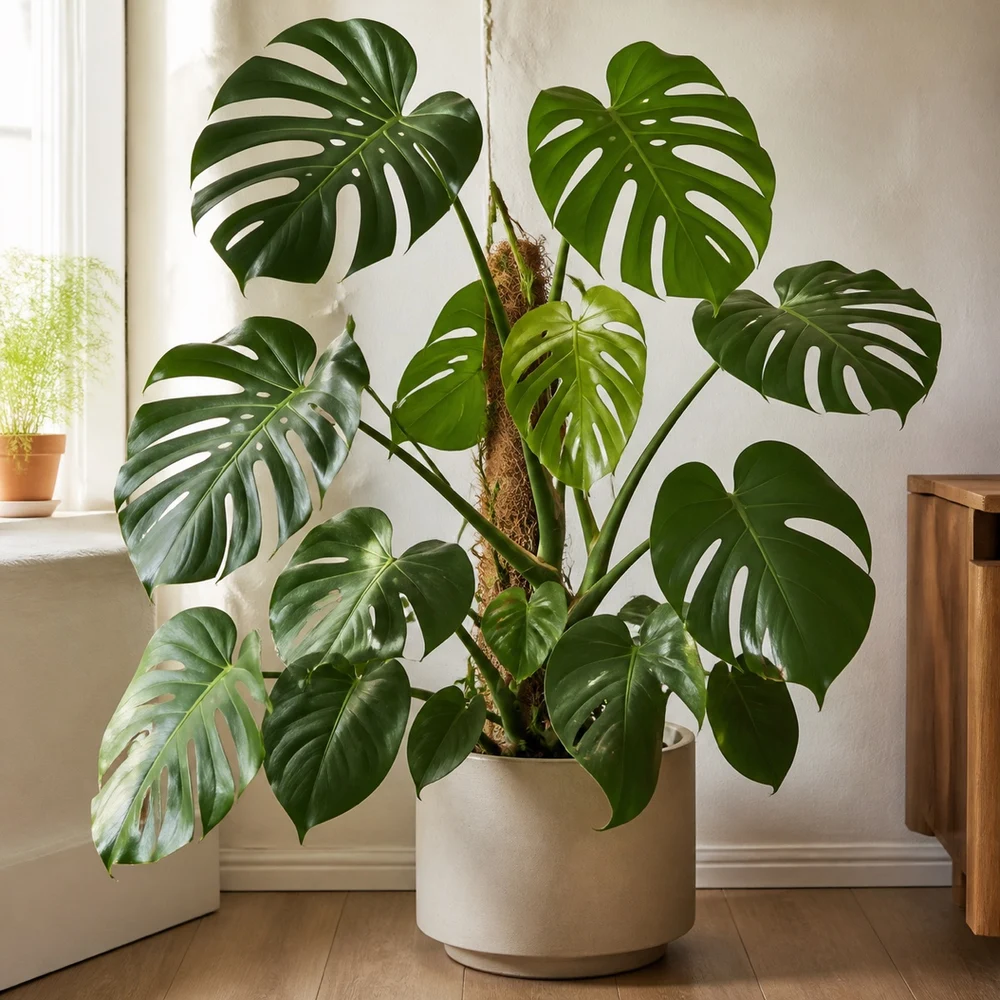
Make caring a little more natural
Watering, feeding and other care in one schedule. Reminders, quiet hours and vacation mode fit around your life.
Add photos, notes and measurements. Compare then and now, and see how your plants change over time.
Plant profiles and care tips are always close by. From a living-room monstera to balcony basil. Even without the internet.
A little less to think about
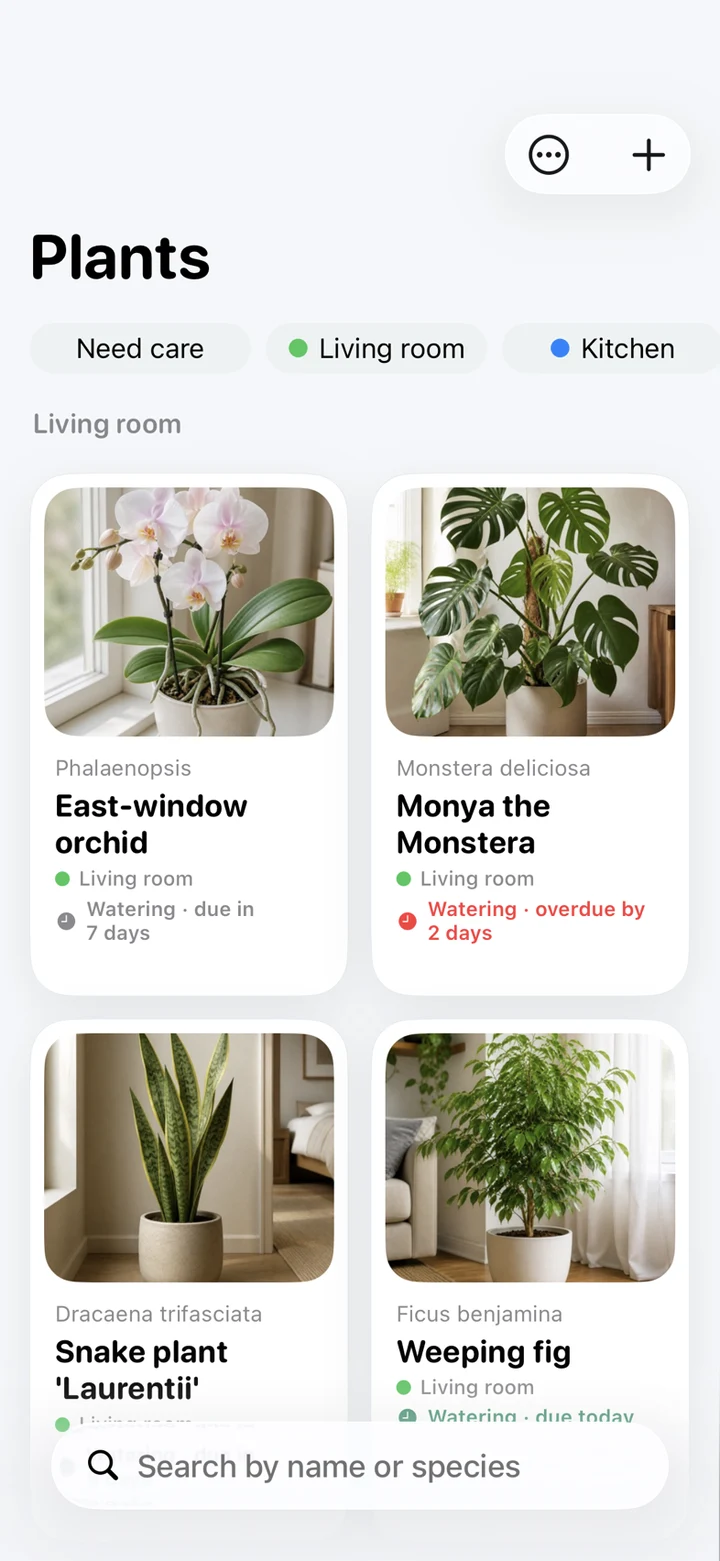
Four ways to see your collection. Choose a screen and take a look inside.
Photos, species, notes and room tags. Find your favourite orchid, or see which plants need a little attention.
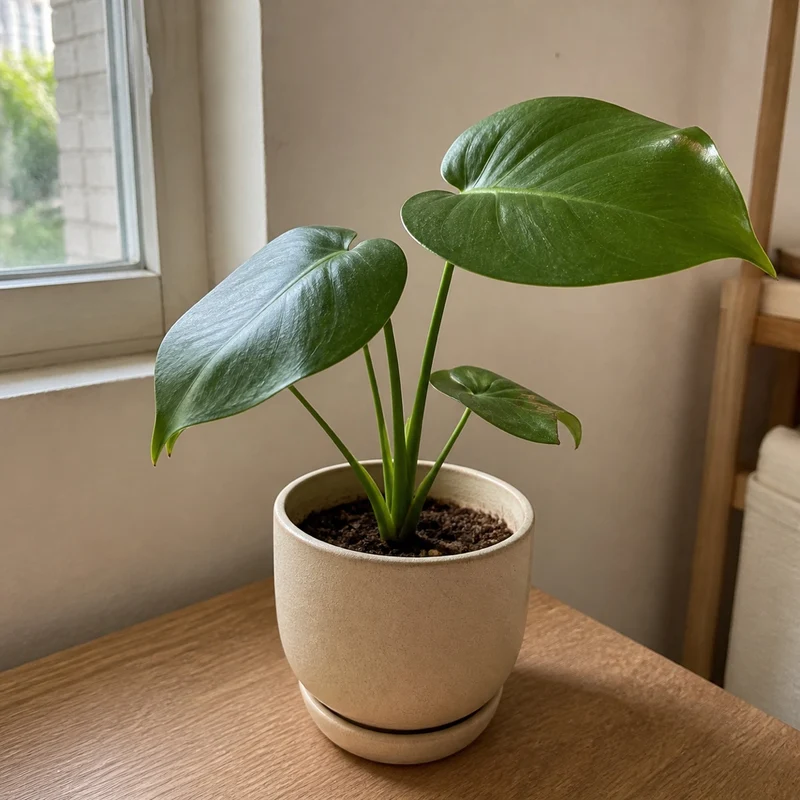
Keep the changes you might miss
Growth happens a little at a time. Your photo journal keeps the story from day one to a big, leafy friend — with every note along the way.
Move the slider to see the difference.
A space of your own
No accounts, ads or subscriptions. Your history stays on your iPhone, and you can export a backup to a file.
Care for your plants at home, in the garden or wherever there’s no signal.
No paywalls for reminders, photos or backups.
Save a backup and manually import it on another iPhone.
FAQ
Houseplants, balcony gardens and garden beds. Add your own plants, organise them with tags and set up a care schedule that works for you.
Not for the main app features. Your collection, history, built-in plant guide and local reminders work on your device.
No. Every feature is free. There are no ads, in-app purchases or accounts to create.
There isn’t a public download link yet. Once it’s available, this page will link to the App Store or TestFlight.
Your history is stored locally. Use backup export and import to move it to another iPhone. There is no automatic cloud sync.
Yes. On the final welcome screen at first launch, choose “Start with the demo collection” to explore 16 plants with photos, care history and harvests. The demo switch is on by default. Turn it off to start with your own collection. Skipping the welcome screens earlier does not load the demo.
Yes: More → Load demo data. After confirmation, loading the demo replaces your current plants, journal and photos rather than adding examples to your records. Settings are kept. First save a backup using More → Export/Backup.

My Bloomy. A home for big plants and little everyday acts of care.
The download link will appear here.